


November 2022 | Product Spotlight
Welcome to the November edition of our monthly Product Spotlight, highlighting the biggest and most exciting updates in Pinpoint.
Article
14 Nov 22
Welcome to the November edition of our monthly Product Spotlight, highlighting the biggest and most exciting updates in Pinpoint.

Hi there 👋
This month, we’ve added more flexibility to careers sites and sign off workflows for those of you with larger organizations or more complex hiring processes. Now, you’ll be able to better manage multiple brands for your careers site, and multiple approvers for jobs, requisitions, and offers.
Let’s dive in…
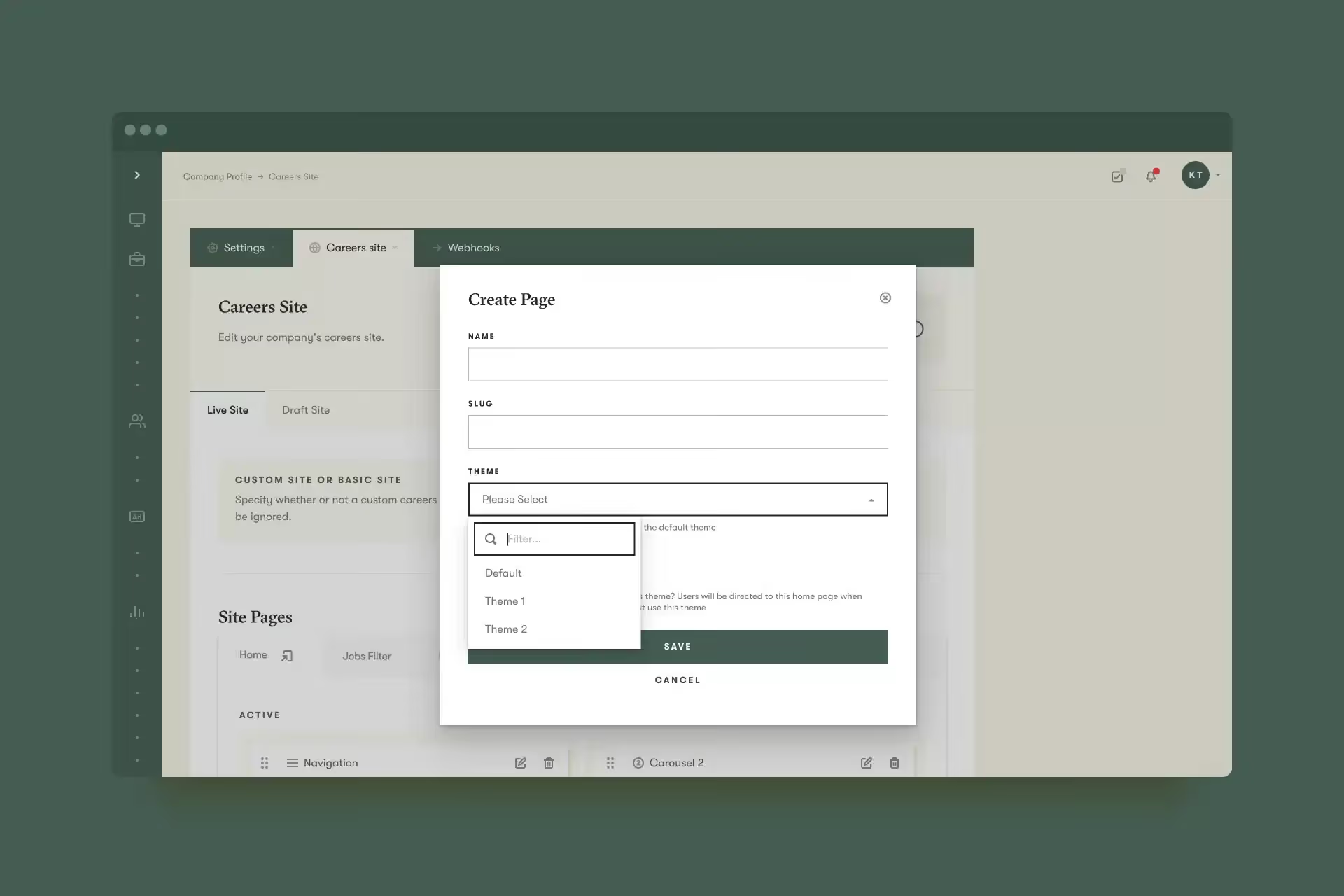
Some of you use Pinpoint to manage hiring across multiple brands within your organization, and we’ve made it faster for you to manage these brands on your careers site. Now, you’ll be able to set up a theme for each brand with the fonts, colors, etc. that are associated with that brand. Then, when you create a new page on your careers site, you’ll be able to select which theme should be applied to the page.
We’ve made two updates to our sign off workflows. First, you can now choose to enforce specific approvers in your template, or give your team the option to select their approvers later, when they create a new requisition, job, or offer. Second, you can now use custom fields to trigger specific sign off workflows. If you’re interested in using these features, speak with your Customer Success Manager.
In addition to the new features above, now you can also…
This month’s tip is to set up sign off workflows for requisitions, jobs, and offers. Sign off workflows allow you to create an approval process that will be required for any member of your team who creates a new requisition or job, or sends an offer. You can use many different options to configure these for your needs–for example, allowing multiple people to sign off in case one person is out of office, or triggering the sign off workflow only for roles with a certain salary or above. Learn more about sign off workflows here.
And that’s it for this month. We’d love you to get in touch if there’s anything we can help with, or if you have feedback on this latest product update.