


July 2022 | Product Spotlight
Welcome to the July edition of our monthly Product Spotlight, highlighting the biggest and most exciting updates in Pinpoint.
Article
11 Jul 22
Welcome to the July edition of our monthly Product Spotlight, highlighting the biggest and most exciting updates in Pinpoint.

Hi there 👋
This month, we’ve made it easier for you to collect e-signatures from candidates and new employees, using our new integration with DocuSign and an expanded integration with HelloSign.
You’ll also see several small enhancements to your experience in the admin side of the platform, such as new ways to manage your notifications, filter candidates, and see all email communication with candidates.
Let’s dive in…

Many of our customers use DocuSign to share documents and collect e-signatures from candidates and new hires. To help streamline your process, we’re launching an integration with DocuSign. Now, you can connect to your DocuSign account within Pinpoint to manage documents within both our ATS and Onboarding platform.

Once you’ve hired a new employee, one of the first things you’ll need them to do is review and sign some onboarding paperwork. To give you more options for managing this within Pinpoint, we’ve expanded our integration with HelloSign. Now, you can add a section to any stage of your onboarding workflow with documents for your new employee to sign.
You’ve always been able to send and receive emails from within the Pinpoint platform. Now, you can exchange emails with a candidate through your normal email client and see those emails from within Pinpoint. Simply add your company’s unique Pinpoint email address to the CC line of your email to a candidate, and that email will be copied into the candidate’s profile in the platform. If you’re interested in using this feature, reach out to your Customer Success Manager to get your company’s unique Pinpoint email address.
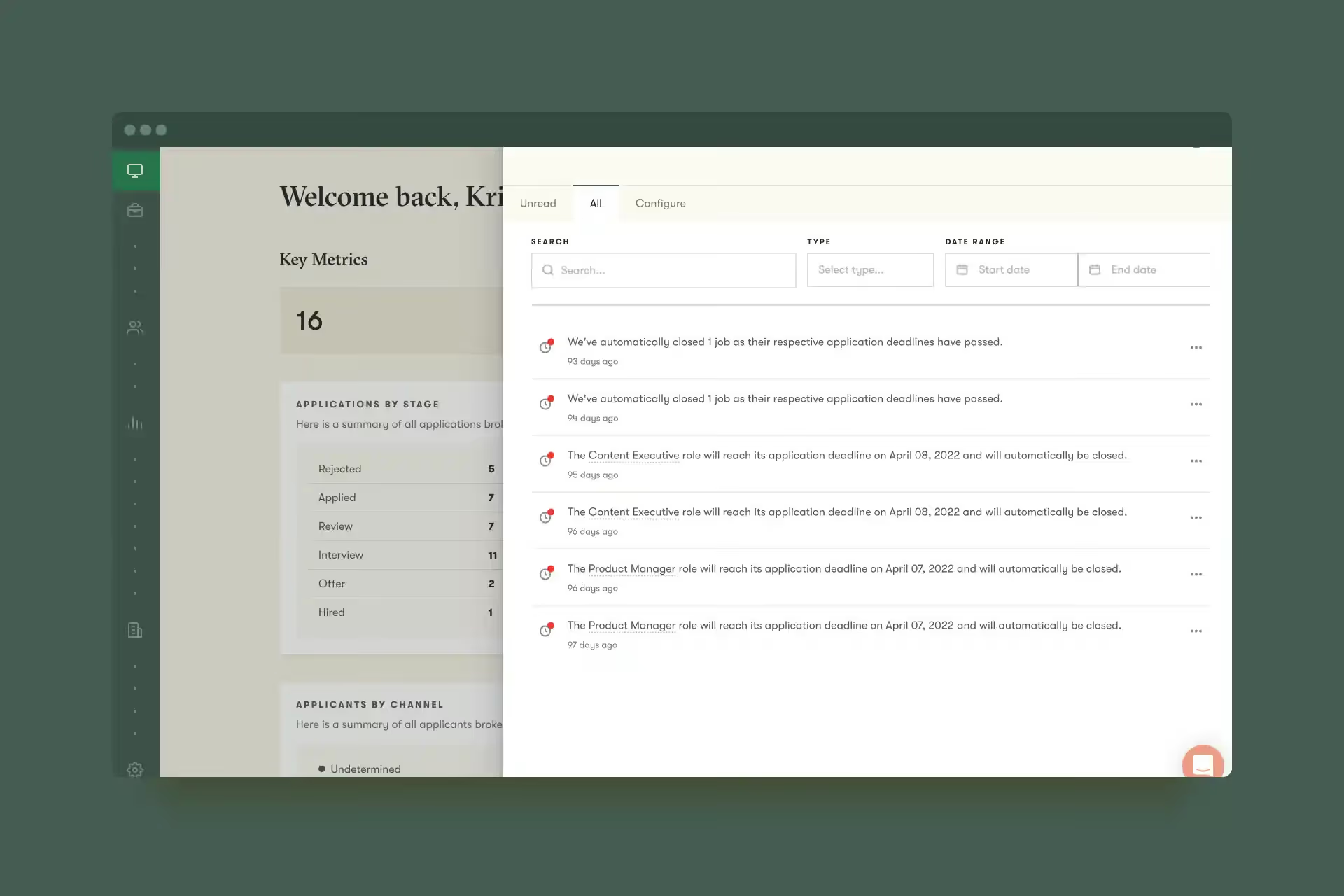
When your company is busy hiring for many roles, some users can end up with a lot of notifications. To make it easier for these users to manage their notifications, now you can filter by type, time frame, and more.
In addition to the new features above, now you can also…
Set up custom reports & automatically send them on a schedule: Got a weekly meeting to review your hiring KPIs? Need to send a monthly report to your C-suite? Create the report you need in Pinpoint, then let the platform automatically run the report and deliver it to your meeting attendees, C-suite, or other colleagues for you on a set schedule. No more manually pulling the report each time–just set it and forget it. Learn how here.
That’s it for this month.
We’d love you to get in touch if there’s anything we can help with, or if you have feedback on this latest product update.