


April 2022 | Product Spotlight
Welcome to the April edition of our monthly Product Spotlight, highlighting the biggest and most exciting updates in Pinpoint.
Article
11 Apr 22
Welcome to the April edition of our monthly Product Spotlight, highlighting the biggest and most exciting updates in Pinpoint.

Hi there 👋
This month, we’ve launched a major new feature to make Pinpoint even more scalable for growing companies: job requisition management. Now, larger companies that use job requisition processes can bring those processes into Pinpoint and manage them more efficiently.
Let’s dive in…
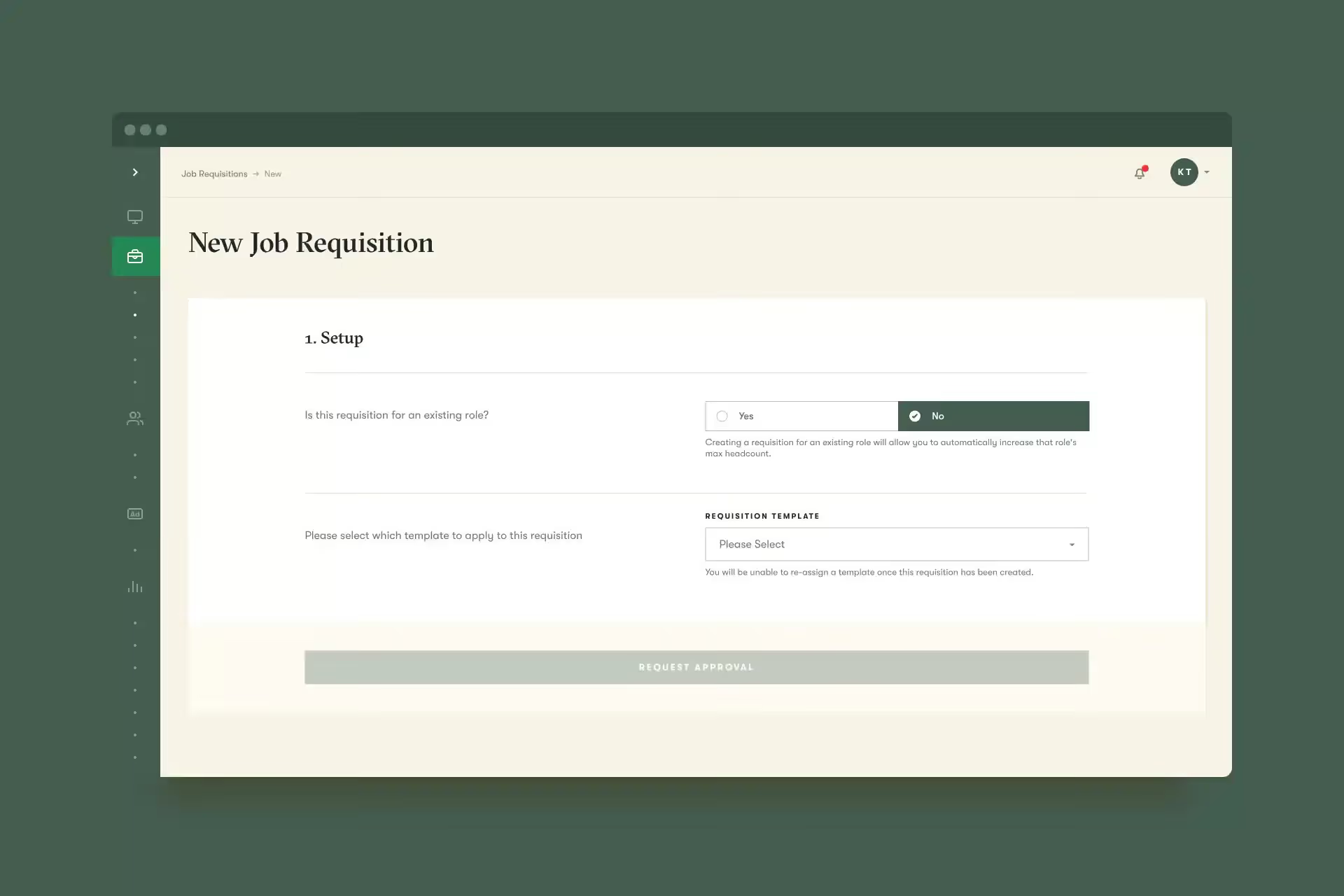
Many of you use a job requisition approval process, where hiring managers submit requests for a job and can’t post the job until their request is approved. Now, you can bring that process into Pinpoint.
First, you’ll be able to create job requisition templates to ensure that managers provide the right information each time they submit a job requisition. Then, you can designate which users should be able to create requisitions, approve them, and create jobs from them. And finally, you’ll be able to enforce a specific signoff workflow for each requisition template.
After setup, your users with the right permissions will be able to create requisitions, move them through approval workflows, and then create or update job postings from those requisitions.
If you’re ready to get started with Job Requisition Management, reach out to your Customer Success Manager to set it up.
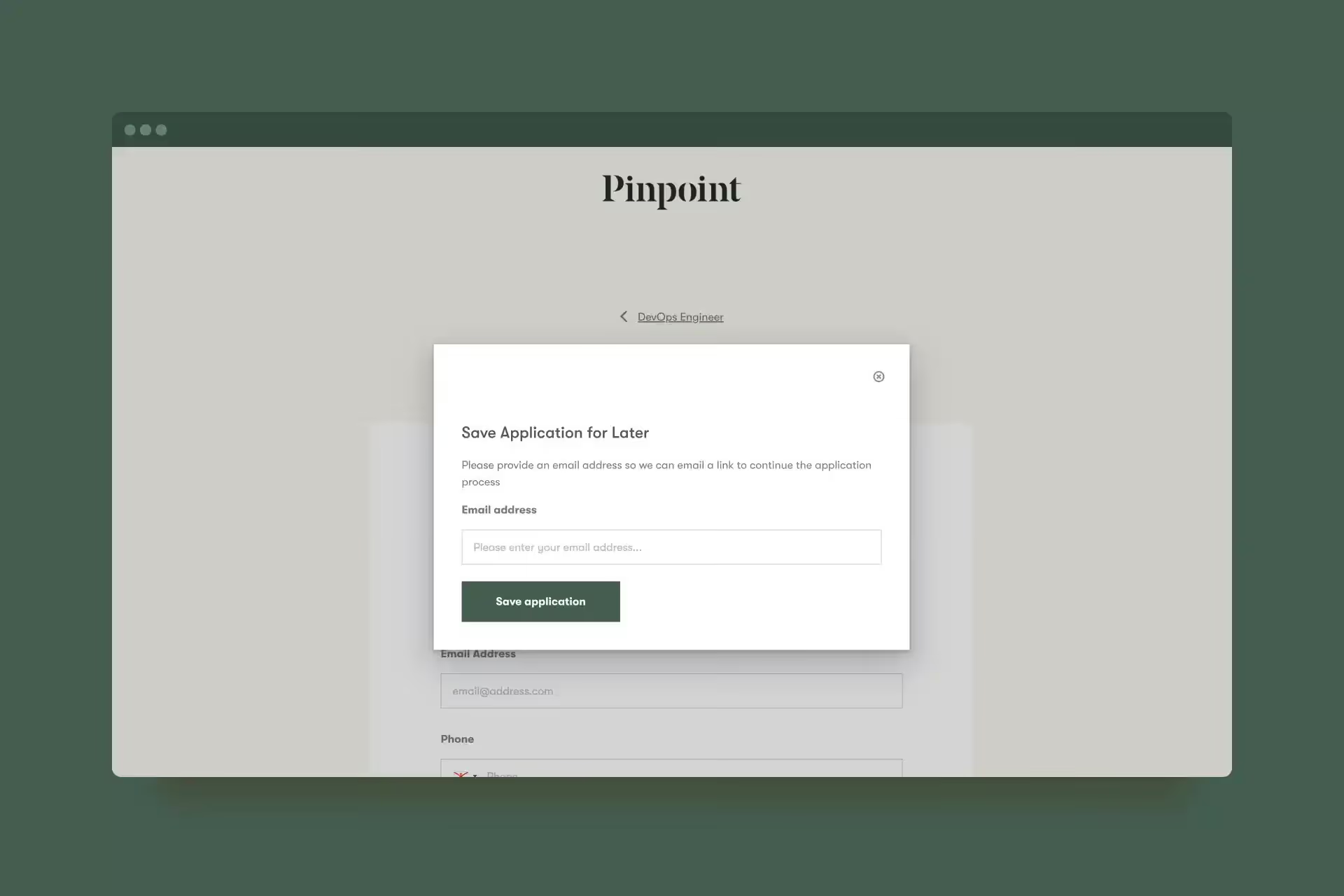
Sometimes candidates can’t complete their job application in one sitting. Now, they will be able to save their application form and return to it. When they click the “Save” icon on the application, they’ll be prompted to enter their email address. Then, they’ll receive an email with a custom link that will return them to their application.
In addition to the new features above, now you can also…
In case you missed them, here’s a roundup of our latest articles & podcast episodes…
And that’s it for this month.
We’d love you to get in touch if there’s anything we can help with, or if you have feedback on this latest product release.